iPad 7th Generation Touchscreen Replacement | iPad 7th Gen Touchscreen Repair | iPad 7th Generation Touch Repair | iPad 7th Gen Touch Not Working | iPad 7th Generation Touch Problem | iPad 7th Gen Digitizer Replacement | iPad 7th Generation Touch Unresponsive | iPad 7th Gen Screen Touch Repair
Professional repair service for Apple iPad 7th generation in New Cairo.
Problem
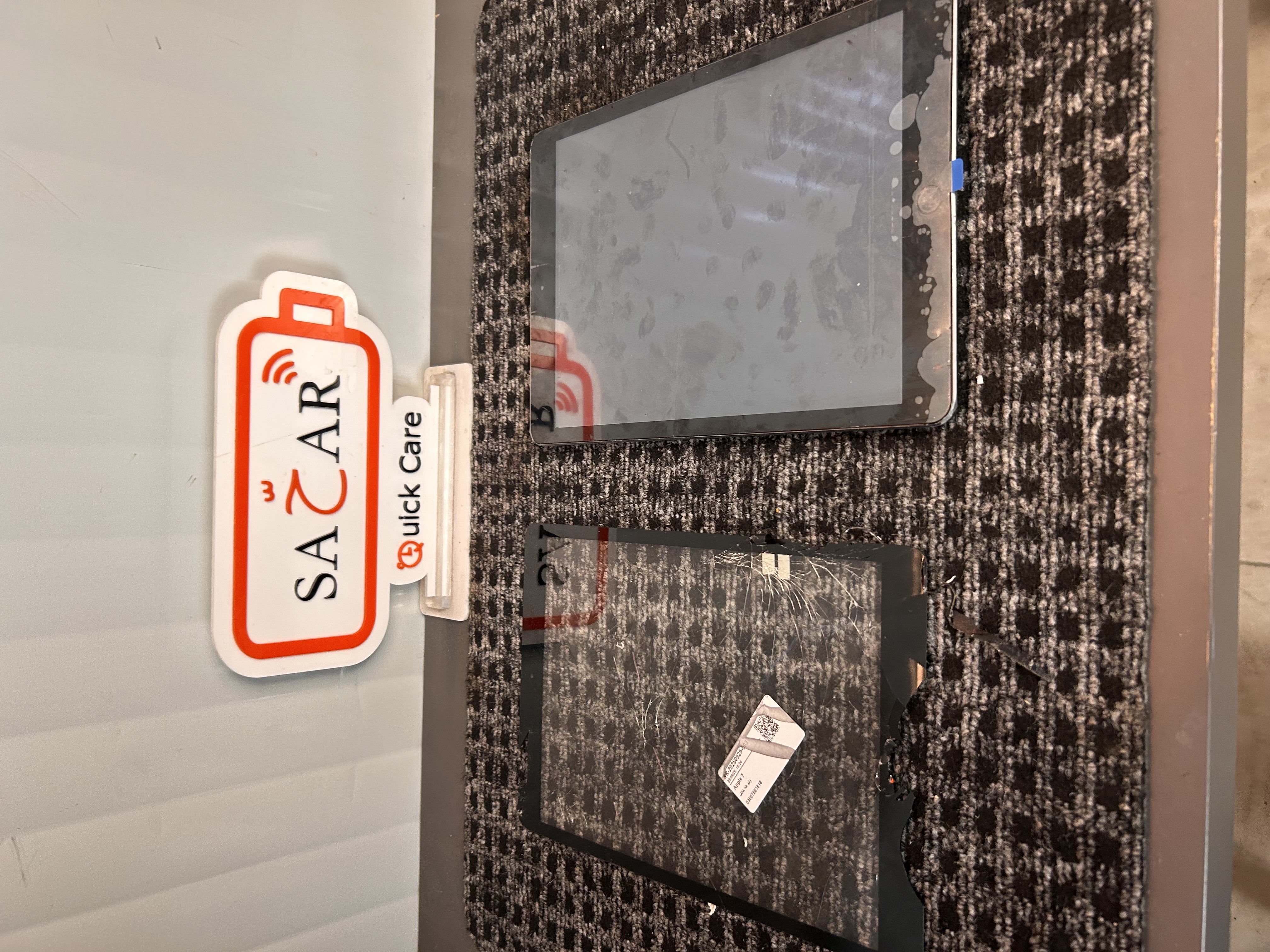
The iPad 7th Generation is experiencing a touchscreen-related issue that affects normal operation and usability. The touchscreen may be cracked, damaged, or unresponsive in certain areas. Touch input may be delayed, inaccurate, or completely unavailable. Some areas of the screen may respond incorrectly or fail to recognize touch commands. The display may still work normally while the touchscreen functionality is affected. A complete inspection is required to determine the condition of the touchscreen and digitizer. The touchscreen assembly and internal connections should be checked for any additional damage. If the touchscreen is damaged or faulty, replacement is required to restore normal touch functionality.
Solution
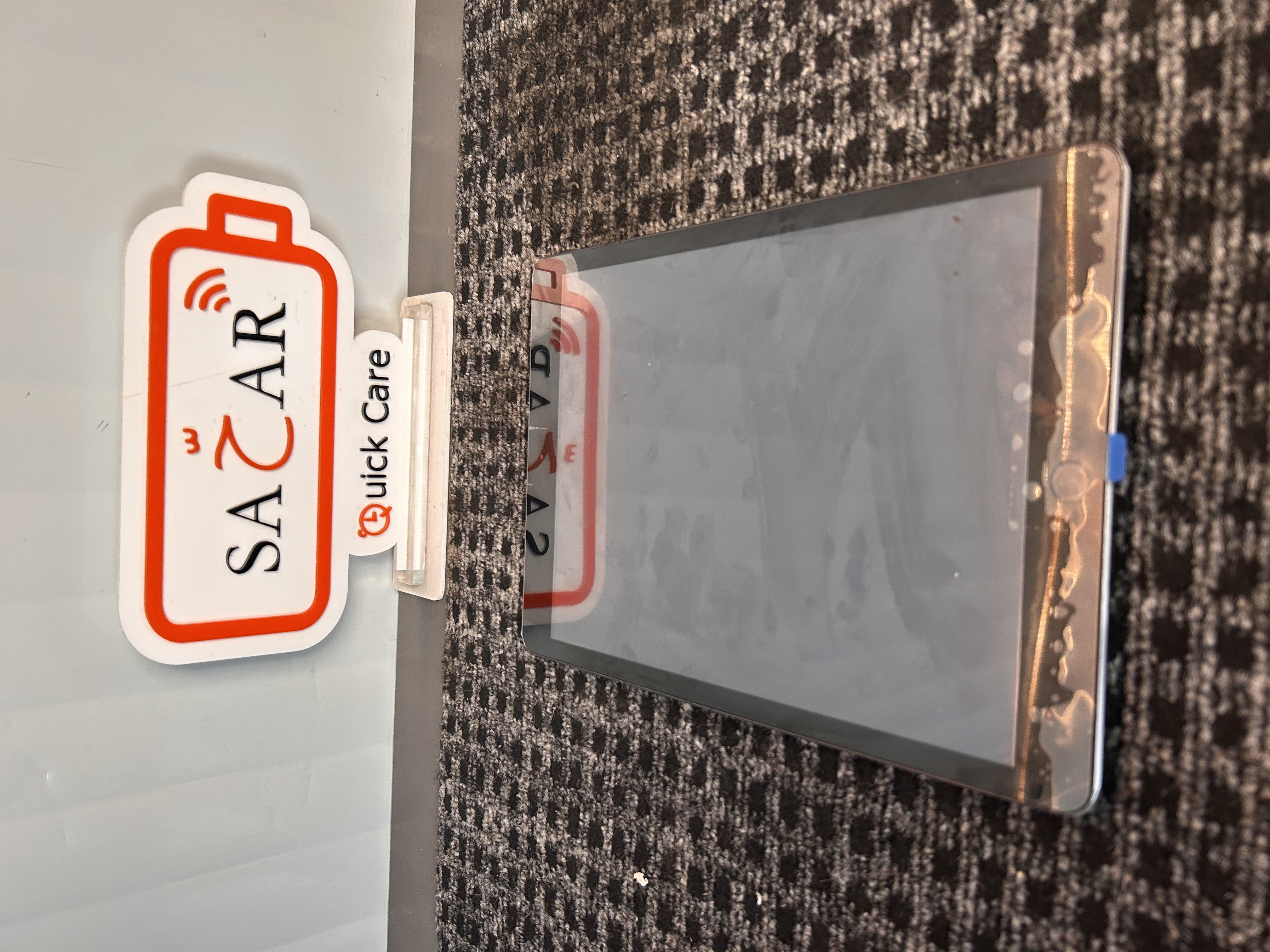
Perform a complete diagnostic inspection of the iPad 7th Generation touchscreen and digitizer system. Test touch response across the entire screen to identify any unresponsive or inaccurate areas. Carefully remove the damaged touchscreen while protecting the internal components of the iPad. Inspect the display, frame, digitizer connection, and internal components for additional damage. Install a compatible high-quality replacement touchscreen and secure all connections properly. Test touch sensitivity and accuracy across the entire screen after installation. Verify that all touch gestures and functions respond correctly. Complete a final functionality check to ensure the iPad 7th Generation is operating properly.
Repair Time
1–2 Hours