JBL Xtreme 4 Charging Port Replacement | JBL Xtreme 4 Charging Socket Repair | JBL Xtreme 4 Charging Circuit Repair | JBL Xtreme 4 Not Charging | JBL Xtreme 4 Charging Problem | JBL Xtreme 4 USB-C Port Replacement | JBL Xtreme 4 Power Issue | JBL Xtreme 4 Charging Repair
Professional repair service for JBL Xtreme 4 in New Cairo.
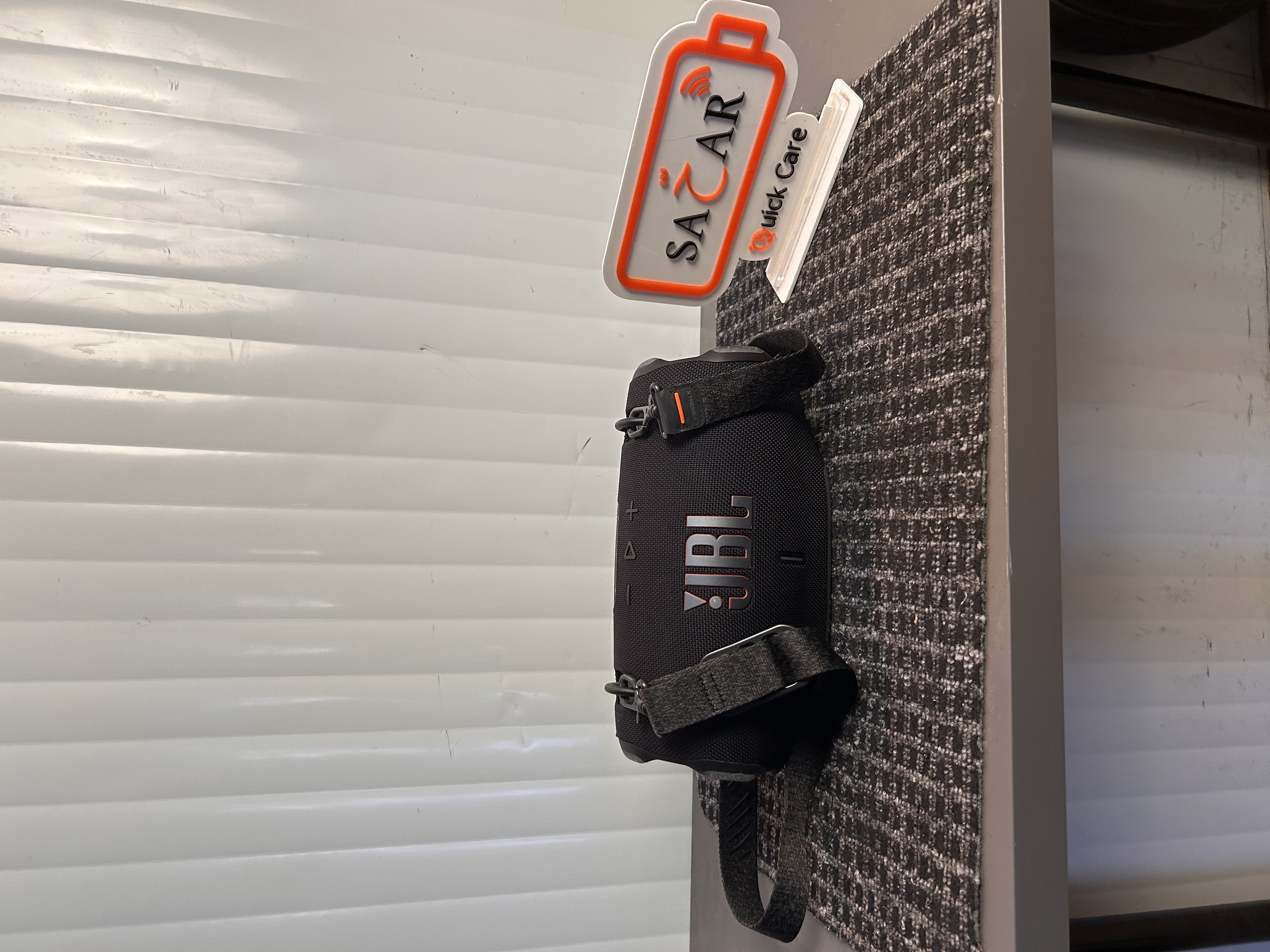
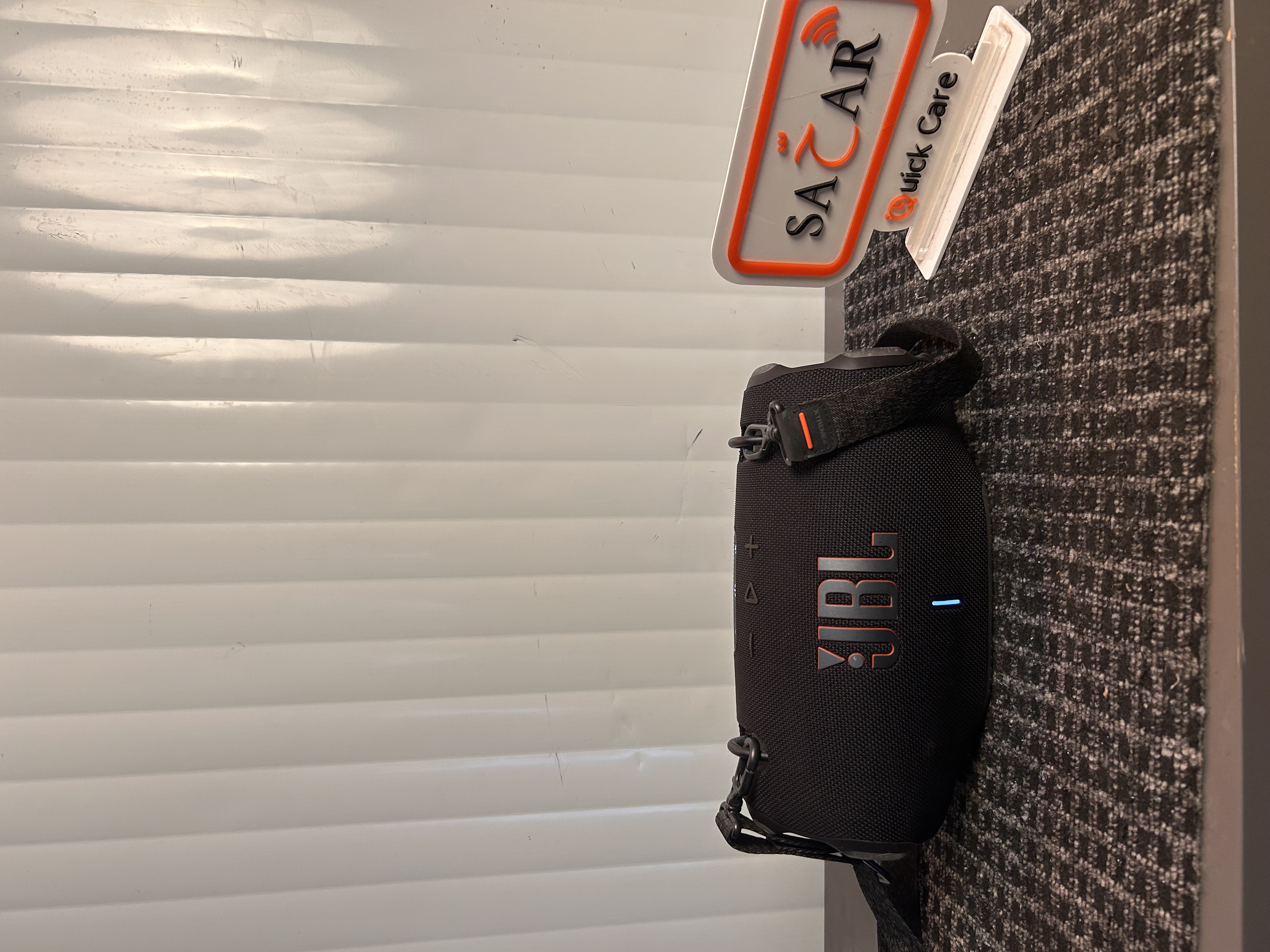
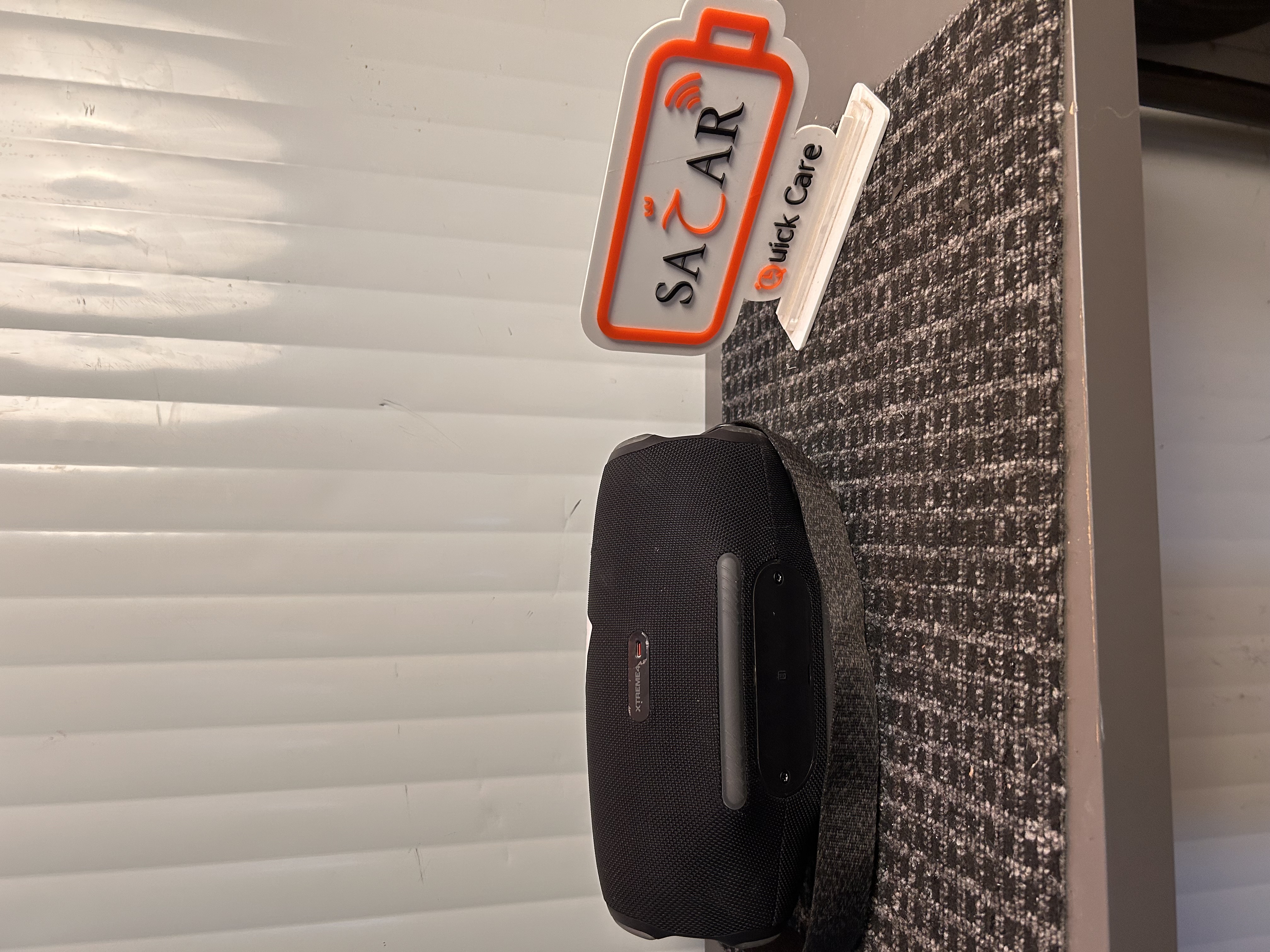
Problem
The JBL Xtreme 4 is experiencing a charging-related issue affecting the device’s ability to charge properly. The charging socket may be damaged, loose, broken, or not making proper contact with the charger. The speaker may not recognize the charging cable or may charge intermittently. The charging circuit may also have a fault preventing the battery from receiving power correctly. A complete inspection is required to determine whether the issue is caused by the charging socket, charging circuit, or related components. The charging port and internal connections should be checked for physical damage and poor connections. The charging circuit should also be tested to identify any faulty components affecting power delivery. If necessary, both the charging socket and damaged charging circuit components should be repaired or replaced.
Solution
Perform a complete diagnostic inspection of the JBL Xtreme 4 charging system. Test the charging socket, charging voltage, internal connections, and charging circuit. Carefully remove the damaged charging socket if replacement is required. Install a compatible replacement charging socket and ensure all connections are properly secured. Inspect and repair the charging circuit and replace any faulty components where necessary. Test the charging input and confirm that the correct charging voltage reaches the battery system. Connect the original or compatible charger and verify stable and consistent charging. Complete a final charging and functionality test to ensure the JBL Xtreme 4 is operating properly.
Repair Time
1–2 Hours