iPad 7th Generation Not Charging Repair | iPad 7th Gen Charging Port Replacement | iPad 7th Generation Battery Not Charging | iPad 7th Gen Charging Problem Repair | iPad 7th Generation Not Recognizing Charger | iPad 7th Gen Charging Flex Repair | iPad 7th Generation Charging Circuit Repair | Apple iPad 7th Gen Power and Charging Repair
Professional repair service for Apple iPad 7th generation in New Cairo.
Problem
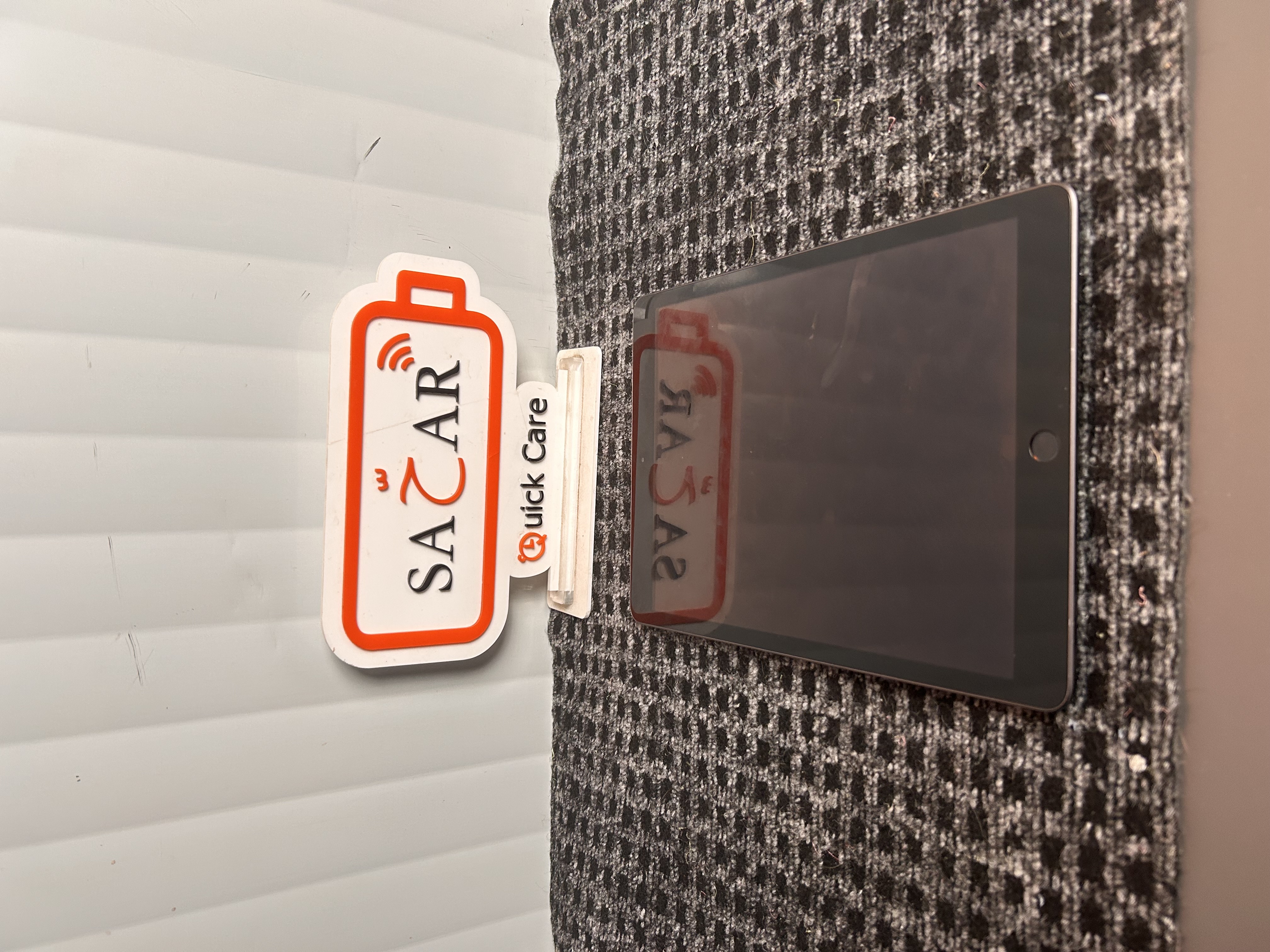
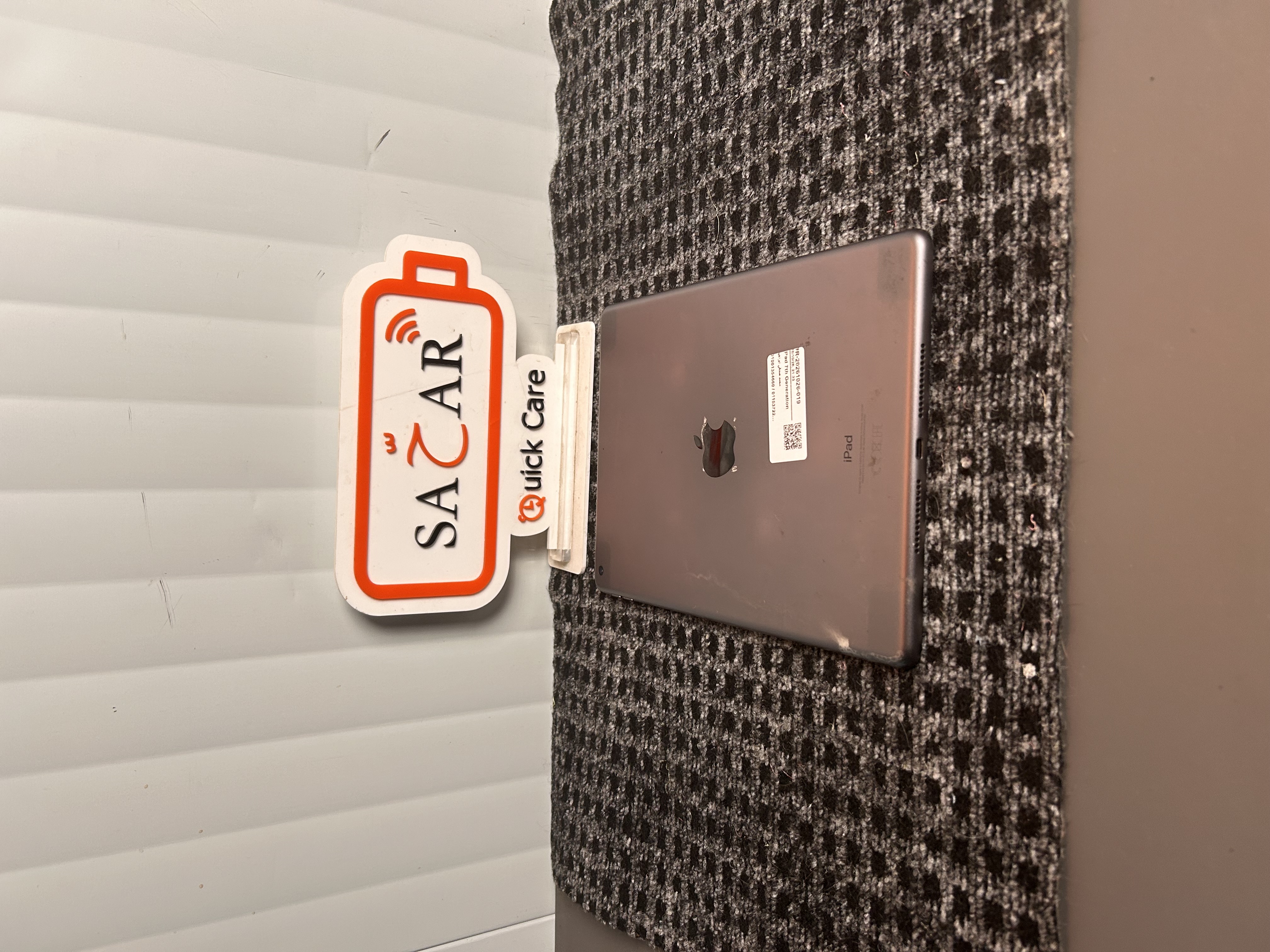
The Apple iPad 7th Generation is experiencing charging problems and may not respond when connected to a charger. The battery percentage may remain unchanged or increase very slowly despite being plugged in. In some cases, the charging symbol may appear intermittently, or the device may disconnect from charging unexpectedly. A damaged, dirty, or worn Lightning charging port can prevent a proper connection between the charger and the iPad. A faulty charging cable or power adapter may also contribute to the issue. Other possible causes include a degraded battery, damaged charging flex connections, or a fault in the internal charging circuit. If the battery becomes completely discharged, the iPad may take some time to respond after being connected to a working charger. A professional inspection is recommended to identify the cause and determine the appropriate repair. يعاني جهاز Apple iPad الجيل السابع من مشكلة في الشحن، وقد لا يستجيب عند توصيله بالشاحن. قد تظل نسبة البطارية ثابتة أو ترتفع ببطء شديد رغم توصيل الجهاز بالكهرباء. وفي بعض الحالات، قد تظهر علامة الشحن بشكل متقطع أو ينقطع الشحن بصورة مفاجئة. يمكن أن يمنع تلف منفذ الشحن Lightning أو اتساخه أو تآكله الاتصال الصحيح بين الشاحن والجهاز. كما قد يكون كابل الشحن أو محول الطاقة هو سبب المشكلة. ومن الأسباب المحتملة الأخرى ضعف البطارية أو تلف توصيلات الشحن الداخلية أو وجود عطل في دائرة الشحن. وإذا فرغت البطارية تمامًا، فقد يحتاج الجهاز إلى بعض الوقت قبل الاستجابة عند توصيله بشاحن سليم. لذلك يُنصح بإجراء فحص فني لتحديد السبب واختيار طريقة الإصلاح المناسبة.
Solution
Our technician will inspect the iPad 7th Generation to determine the cause of the charging failure. The charger, cable, and Lightning port will be checked to rule out external connection problems. The charging port will be examined for damage, debris, or loose connections. The battery condition and charging response will also be tested to determine whether the battery can accept and retain power correctly. If necessary, the internal charging connections and charging circuit will be inspected for faults. Any defective component will be assessed for repair or replacement using compatible parts, subject to availability. After servicing, the iPad will be tested for stable charging, battery percentage response, and normal operation. The final repair procedure will depend on the diagnosis and the condition of the device. سيقوم الفني بفحص جهاز iPad الجيل السابع لتحديد سبب مشكلة الشحن. سيتم اختبار الشاحن والكابل ومنفذ Lightning لاستبعاد مشكلات التوصيل الخارجية. كما سيتم فحص منفذ الشحن للتأكد من عدم وجود تلف أو أتربة أو توصيلات غير ثابتة. وسيتم اختبار حالة البطارية واستجابتها للشحن لمعرفة ما إذا كانت تستقبل الطاقة وتحتفظ بها بصورة صحيحة. وعند الحاجة، سيتم فحص توصيلات الشحن الداخلية ودائرة الشحن للكشف عن أي أعطال. سيتم تقييم المكونات التالفة لإصلاحها أو استبدالها بقطع متوافقة حسب التوافر. بعد الانتهاء من الصيانة، سيتم اختبار ثبات الشحن واستجابة نسبة البطارية والتأكد من عمل الجهاز بصورة طبيعية. وتعتمد طريقة الإصلاح النهائية على نتيجة الفحص وحالة الجهاز.
Repair Time
1–3 hours